 Shortsly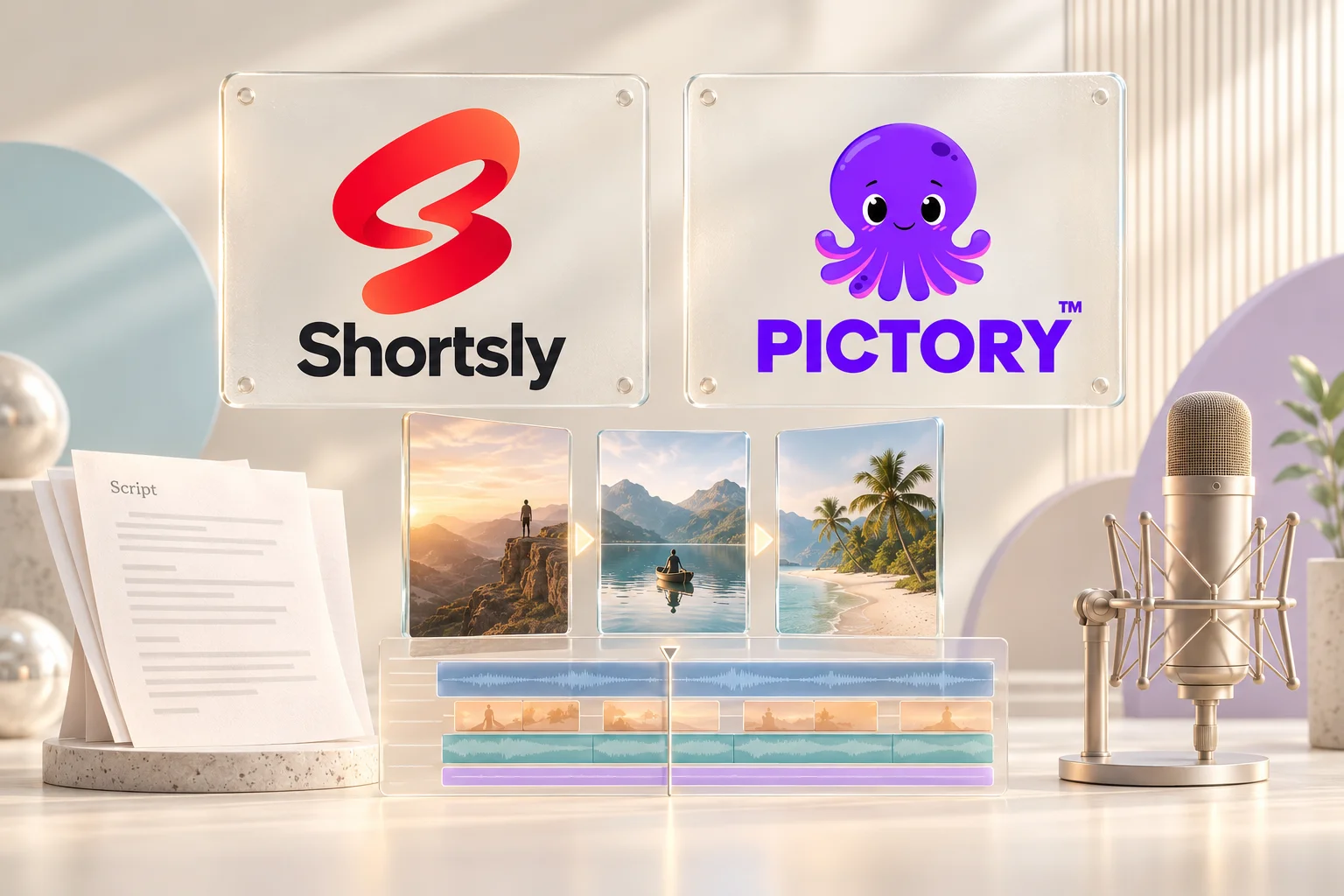
Both Shortsly and Pictory turn written material into video. The useful distinction is how you want to shape the result: build and revise scenes, or work directly with individual visuals, text, motion, and audio on a timeline.
In brief
- Shortsly suits narrated shorts that need deliberate visual placement and per-clip motion.
- Pictory is worth considering when repurposing scripts and existing written content into scenes.
- Both offer editing after generation. Compare the controls you need, not simply whether an editor exists.
Shortsly and Pictory at a glance
Scroll horizontally to compare every column.
| Workflow | Shortsly | Pictory |
|---|---|---|
| Starting point | Script, uploaded or reused voiceover, or your own media | Scripts and source content, including articles and documents |
| Editing model | Multi-track timeline and direct canvas controls | Storyboard with editable scenes and visual layers |
| Visual timing | Move and trim individual clips on the timeline | Adjust scenes; voiceover can constrain their duration |
| Motion | Entrance, continuous, and exit motion per visual | Pan and zoom controls for visuals |
| Look and layout | Templates combine visuals, text, motion, and sound | Scene layouts, text styling, and branding controls |
| Narration | Generate a voiceover, upload one, or reuse a saved recording | AI narration and uploaded voiceover workflows |
Sources: Shortsly editor and generation guide · Pictory script-to-video · Pictory layers · Pictory scene timing · Pictory pan and zoom
The main difference is the unit of editing
In Shortsly, generation produces a draft you can revise on the canvas and multi-track timeline. Move a subject, shorten a text clip, adjust its entrance, or shift a sound effect without rebuilding the entire video. This is useful when an explanation depends on several elements appearing at different moments.
Pictory organizes its documented workflow around scenes. Layers let you place multiple visuals within a scene. Its help center also describes timing constraints: uploaded narration locks scene duration to the voiceover, while AI narration sets a minimum reading time. Check those rules if you frequently change pacing after adding audio.
Sources: Pictory layers · Pictory scene timing
Choose around the videos you actually make
Choose Shortsly if your usual project is a short narrated story, explainer, or social video built from generated imagery and your own media. Its practical advantage is keeping the composition editable: captions, backgrounds, visuals, and sound can be refined together after the first draft.
Consider Pictory if your starting point is often an article, document, or script and you prefer reviewing a storyboard scene by scene. That workflow can be a more natural fit for converting existing written content into a narrated video.
Sources: Pictory script-to-video
Compare the workflow before the subscription
Use the same short script in both tools. Replace one visual, change one caption, and adjust one transition. The time and effort of those revisions are more useful than a feature count. Then compare the current plan limits against your expected use.
Shortsly uses credits; generation cost varies with the script, images, and voiceover choices. Do not compare a credit allowance directly with a video-minute allowance. Check generation, export, and branding limits on each current pricing page.
Sources: Shortsly pricing · Pictory pricing
Is Shortsly a Pictory alternative?
Yes, for script-to-video projects where a short-form timeline and motion controls matter. It is not an identical replacement for every source-conversion workflow. Start with the type of input you use most and the edits you expect to make afterward.
Continue with the production workflow
Read the complete script-to-video guide or review the current editor controls and supported formats in Shortsly Help.
Published by Shortsly. Official product documentation reviewed on . This is a workflow comparison, not an independent performance benchmark. Features and plan limits may change. Pictory is an independent product; its name and logo identify the comparison and do not imply affiliation or endorsement.