Plamia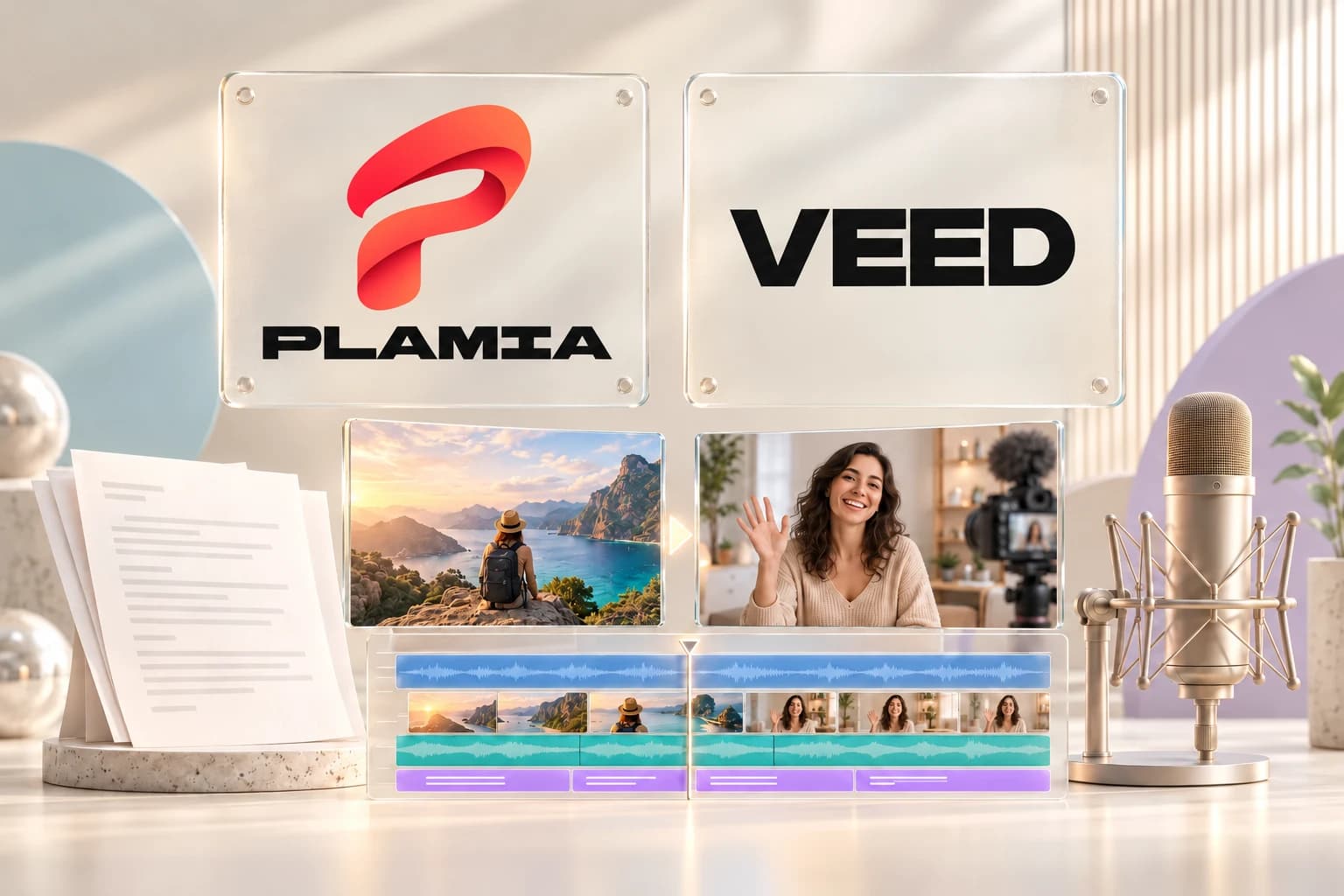
Plamia and VEED both combine AI video creation with a video editor. Plamia focuses on turning a script into an animated short with an editable timeline. VEED covers a wider range of work, including recorded footage, subtitles, and AI-generated videos. The useful comparison is what each tool gives you to edit after the first draft.
In brief
- Plamia creates a layered project with editable visuals, motion, captions, and audio.
- VEED has a timeline editor and text-based editing for recorded speech. It is not just a video generator.
- For an animated short, test scene and motion controls. For existing footage, test trimming and transcript editing.
Plamia and VEED at a glance
Scroll horizontally to compare every column.
| Workflow | Plamia | VEED |
|---|---|---|
| Main use | Animated, narrated shorts from a script or voiceover | Editing recorded footage and creating AI videos |
| AI video creation | Generate images, narration, captions, and animated scenes | Generate videos from text, with narration and subtitles |
| Video editor | Multi-track timeline with direct canvas controls | Browser timeline with clip, text, subtitle, and audio editing |
| Changing the pace | Move and trim visual, caption, and audio clips separately | Arrange timeline clips or cut recorded speech through its transcript |
| Visual style | Templates, image restyling, and per-visual motion | Templates, generated media, stock assets, and uploaded footage |
| Captions | Edit words, styling, and timing within the project | Automatic subtitles with editable text, styling, and timing |
Sources: Plamia editor and generation guide, VEED video editor, VEED text-to-video, VEED text-based editing, VEED subtitle timing
Can I edit individual parts of the generated video?
In Plamia, generation builds a project rather than only producing a finished video file. Images, captions, narration, sound effects, and backgrounds have their own tracks. You can resize a visual on the canvas, change its entrance animation, trim a caption, or move a sound effect without rebuilding the whole sequence.
VEED also has a full video editor. Its timeline supports arranging clips and adding text, subtitles, and music. You can trim and crop footage or continue editing a generated video.
Sources: Plamia editor and generation guide, VEED video editor
The reason to try Plamia is the editable structure it creates for an animated short. The first draft already includes the scene composition and timing. If you want a heading to appear before an image, or a sound to line up with an animation, you can change those clips directly in the same project.
Which tool can turn my script into a video?
Both can. In Plamia, you paste a script and choose a template. It generates imagery, creates the voiceover, and arranges the animated scenes. You can also upload images and restyle them, or start with a recorded voiceover instead of generating one.
VEED offers text-to-video generation with visuals, narration, and subtitles. Its workflow also supports changing the script and replacing media with uploads, stock assets, or generated visuals. Compare the first draft and the available revisions, not just whether a text-to-video option exists.
Sources: Plamia editor and generation guide, VEED text-to-video
What if I already have a recorded video?
VEED is worth considering when the job is to shorten a recording or remove sections of speech. Its text-based editor lets you cut video by editing the transcript. That suits interviews, tutorials, and other videos where the spoken recording determines the sequence.
Sources: VEED text-based editing
Plamia can use your uploaded clips and images, but its main focus is creating a short around a script or narration. Use it when you need to build the visual scenes as well as edit them. If the only task is cutting an existing interview, test a footage-focused editor before choosing a generation workflow.
How should I compare pricing and editing limits?
Use a short project that needs both generation and editing. Replace one visual, change a caption, adjust a scene, and export the result. Check the cost of new media separately from manual timeline changes.
Plamia uses generation credits. For VEED, check the current plan for the AI features, export resolution, and watermark rules you need. Subscription prices alone do not tell you how many usable videos you can make.
Sources: Plamia pricing, VEED pricing
Is Plamia a VEED alternative?
Yes, for creating and editing animated shorts from a script. Plamia keeps the generated scenes and their separate elements available for manual editing. If your work is mainly recorded footage and transcript-based cuts, VEED offers tools built for that task.
Continue with the production workflow
Read the complete script-to-video guide or review the current editor controls and supported formats in Plamia Help.
Published by Plamia. Official product documentation reviewed on . This is a workflow comparison, not an independent performance benchmark. Features and plan limits may change. VEED is an independent product; its name and logo identify the comparison and do not imply affiliation or endorsement.