Shortsly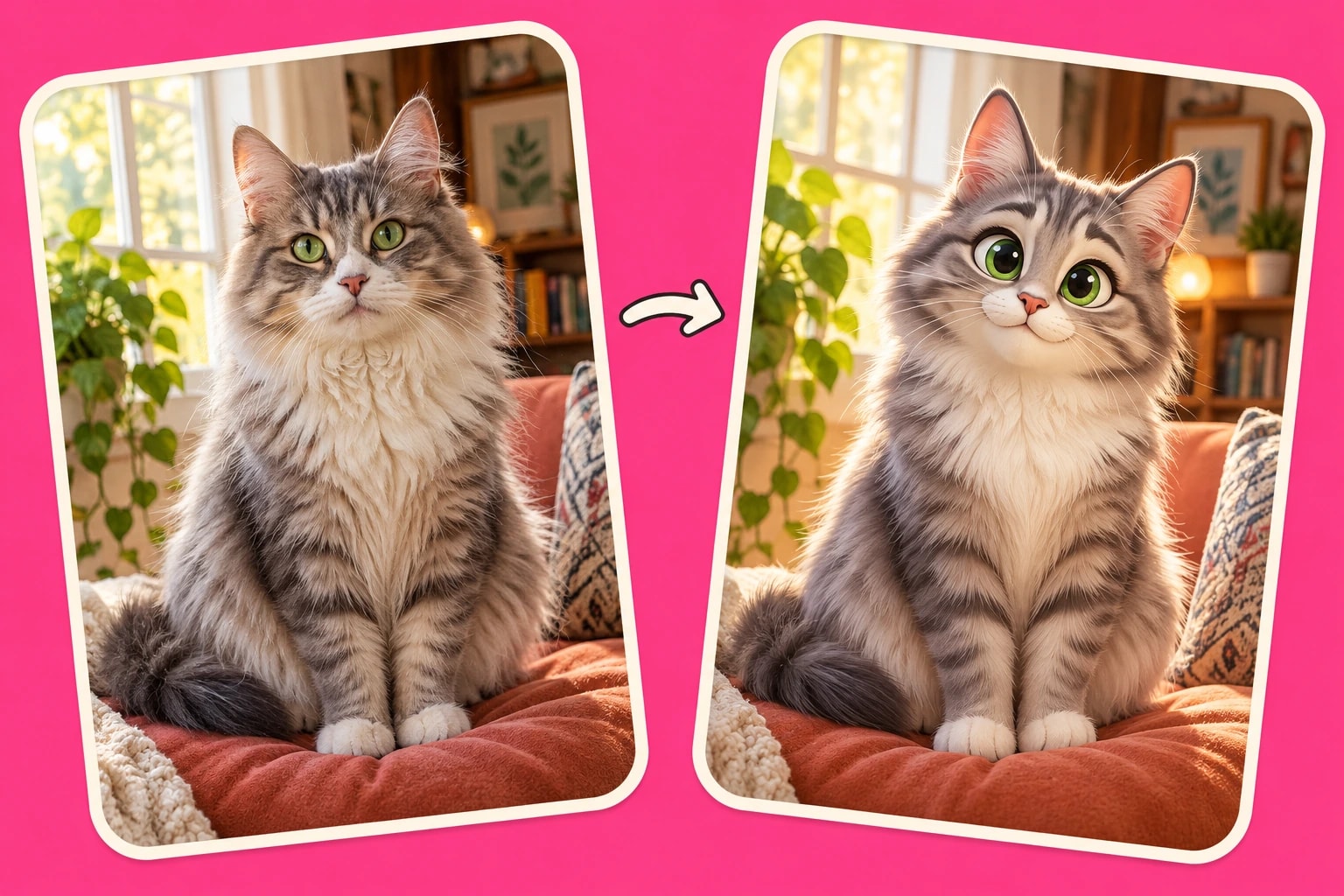
Start with a small set of clear photos
Choose images with one obvious subject, useful lighting, and enough detail to understand its shape. A clear photo of your cat facing the camera is a stronger reference than a tiny, blurred cat in a crowded room. Avoid several near-identical files unless each contributes something important.
Decide what must remain recognizable. For a pet story, that might be white paws, a dark face, and a red collar. Mention those traits naturally in the script where they matter. Use photos you are entitled to use and obtain permission from people whose images you include.
Choose between restyling and keeping the original
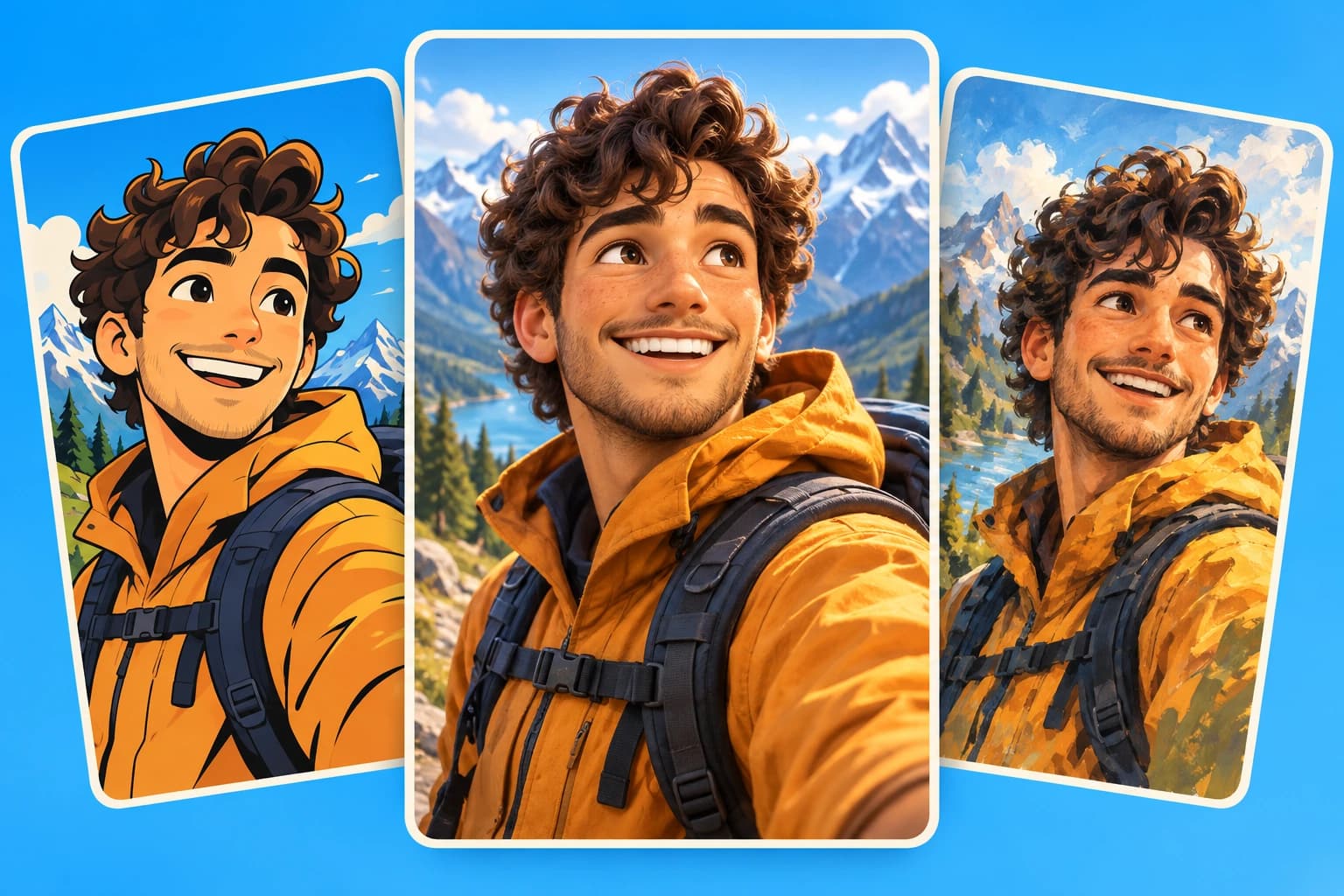
Use the upload control marked with a plus in the composer for photos you want drawn into the video’s style. Choose an illustrated treatment such as Cartoon or 3D render before generating. The result is a new interpretation, not a pixel-perfect filter applied to the source.
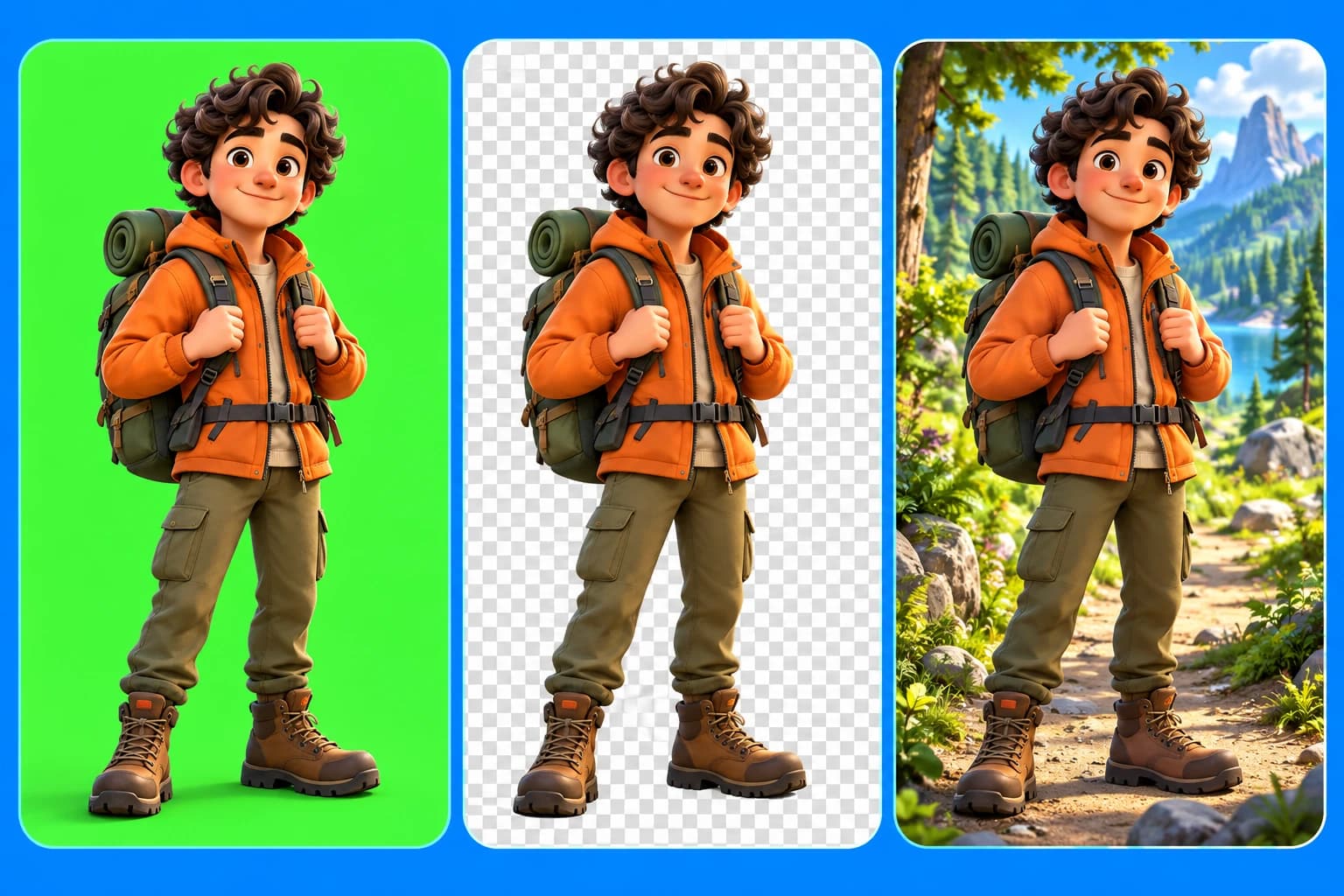
Use Keep original for photos and clips that should be placed without repainting. This is the better option for a product photograph, a source document, or a detail whose exact appearance matters. You can combine original media and generated scenes, but give them a clear purpose in the story.
Write a story that gives the photo a role
A reference becomes more useful when the script explains what the subject does. “Every night, our white-pawed cat brought home one glove” gives the video a character, an action, and a mystery. A list of visual adjectives alone does not provide that sequence.
Keep the first experiment short: introduce the subject, show one surprising event, and resolve it. Add only the photos that support those beats. After generation, compare the scene choices with your intended story rather than judging each image independently.
Review the interpretation before publishing
Generated artwork can change details. Check the images before spending time polishing captions or transitions.
- Compare distinctive features with the source. Look at markings, clothing, accessories, and proportions.
- Check all appearances of the subject together. One good likeness does not guarantee consistency in later scenes.
- Replace or regenerate an image that misses the point. Use the original instead if accuracy is essential.
- Preview the crop in the final video format. The important part of the photo should remain visible throughout its motion.
Finish the story in the editor
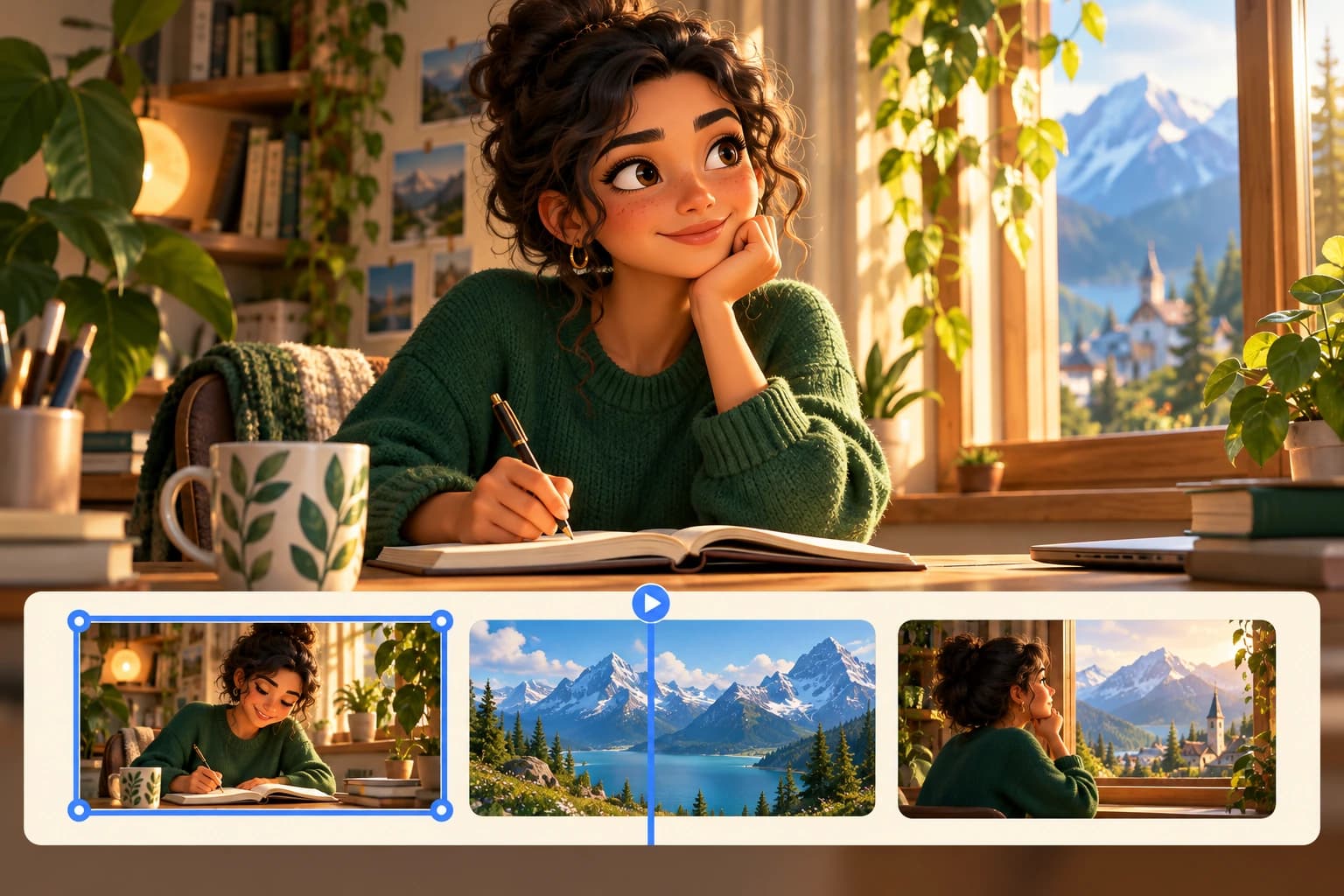
Once the images work, adjust scene duration and caption placement around them. Let the viewer see a familiar detail before the narration moves on. Keep music and sound effects supportive rather than using them to distract from a weak visual match.
Watch the finished sequence once with sound and once without it. The first pass checks the storytelling; the second makes it easier to spot unclear crops and captions. Your photos should feel like part of the story, not unrelated files added between generated scenes.