Shortsly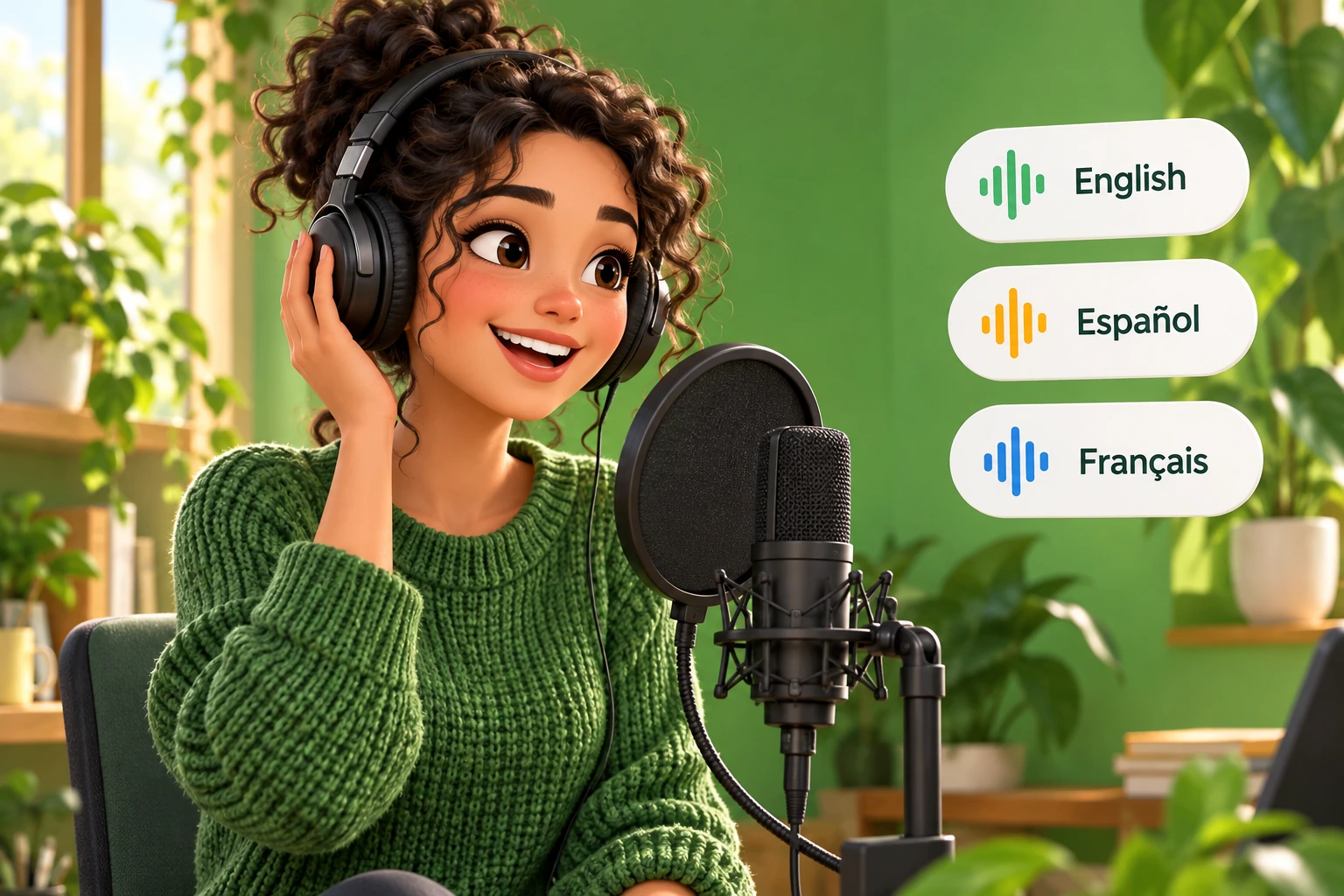
Understand what language support means
Shortsly uses Eleven v3 for generated narration. ElevenLabs lists support for more than 70 languages for this model. That is voice-generation coverage, not a promise that every voice performs equally well in every language or accent.
Write or translate your script before generation. Do not assume that selecting a voice translates English text into another language. This workflow also does not imply lip synchronization or dubbing a filmed speaker. You are creating narration for an editable, illustrated video.
Prepare the script for the audience
Adapt the wording rather than translating each sentence literally. Replace unfamiliar idioms, explain local references, and make numbers easy to understand when spoken. A sentence that reads well on a page can still sound stiff in a voiceover.
For example, an English phrase such as “a fresh start” may need a different expression in your target language. Keep the intent, then ask a fluent speaker to check the result. Stay within the composer’s current script limit and split a longer topic into separate videos when necessary.
Create the narration and listen closely
Paste the target-language script into Shortsly and choose the voice you want. Use the available voice settings deliberately, then generate the video and listen before adjusting the visuals.
- Check the opening sentence. The voice should establish the right mood without sounding rushed.
- Listen to names, abbreviations, dates, and borrowed words. These are useful places to catch pronunciation problems.
- Break up sentences that sound breathless. Punctuation and shorter wording can improve the delivery.
- Review expressive delivery in context. A dramatic reading is useful only when it fits the story.
Review captions in the same language
Play the video with captions visible and compare them with the narration. Correct spelling, punctuation, and word timing in the editor. Longer translated phrases can need more space or a different scene duration than the original English version.
Check the actual exported aspect ratio, especially for vertical videos. Keep captions away from faces and essential details. Preview on a phone-sized screen rather than relying on a large desktop canvas, where crowded text can look deceptively comfortable.
Give each language its own final review
Treat a second-language version as a separate editorial pass. Listen from beginning to end, confirm that images still match the adapted script, and have a fluent speaker review the full video when possible. Good audio quality cannot compensate for an inaccurate translation.
Export only after checking the whole sequence. Keep your approved script outside the editor so you can reuse its spelling and terminology in later videos. This is particularly useful for recurring characters, brand names, and educational series.